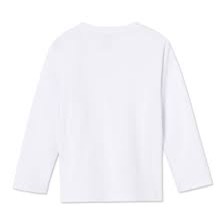
Hello everybody! Welcome back to this weeks blog! This blog is going to be focused entirely on the process of redoing a huge chunk of the footage from last week. Last week after checking my footage I discovered two problems. One of these problems was that majority of the last scenes footage was blurry, unfocused and hazy. The lenses must not have been as clean as I assumed even after I cleaned them completely. The second problem was that I decided I didn't like the wardrobe I picked for one of the characters. I thought to myself that what the character of Alfred was wearing was not fitting the theme of the genre was much as I hoped. It was too formal of a wardrobe for a horror style film and it didn't sit right with me. So I went right back to the drawing board to figure out a plan to fix these two dilemmas. I spent the first few days trying to figure out a new costume for Alfred that fit the theme. After a decent amount of thinking I decided on something I thought was loads b...
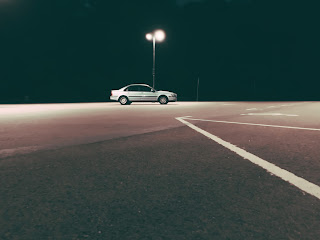
Hello everyone, welcome back to the blog! Todays blog will be all about the last few tweaks I added to my music video. This last week was the week where I did all the finishing touches to the music video in the editing phase. I had to get cracking on all the remaining scenes that I didn't touch on last time, all the scenes that were less complicated to edit. Starting with the beach and open field scenes all I had to to was drag and drop them into the video. After that I just had to cut and line up each piece of footage and audio so that it fit nicely in the music video. After that I did the same for the remaining scenes. Those remaining scenes included: the car scene, the friends house scene, the intro scene, the drying off scene, and the sidewalk scenes. Once they were all put in and touched up with some cropping and tweaking the visual portion was mostly done for the music video. To give the visuals a break I started with the audio tweaks. First I had to find the right audio le...
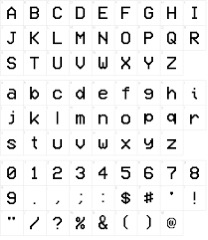
Hello Everyone! Welcome back to todays blog! Todays topic is going to be focused mainly about the final touches and details of the main draft for this final task. This will not include the final music choice of the Final Task. I started this week off by finishing up any last minute learning of the after effects software that I would need to make the title design. After I made sure I understood everything I would need to know to make a good title I got straight to work. I opened up the software and put booted up all my footage from my draft. The first things I needed to do was plan out exactly where each title was going to go in the clip. I spent around two hours thinking and plotting points on where everything needed to be. A lot of the titles are scattered randomly around the shoots but a few are placed in a way that makes it look like they are a physical part of the world. I thought that looked cool and that adds some character to the clips. After that was done with I got starte...
Comments
Post a Comment